A Game So Nice I Made It Thrice
by notaswe
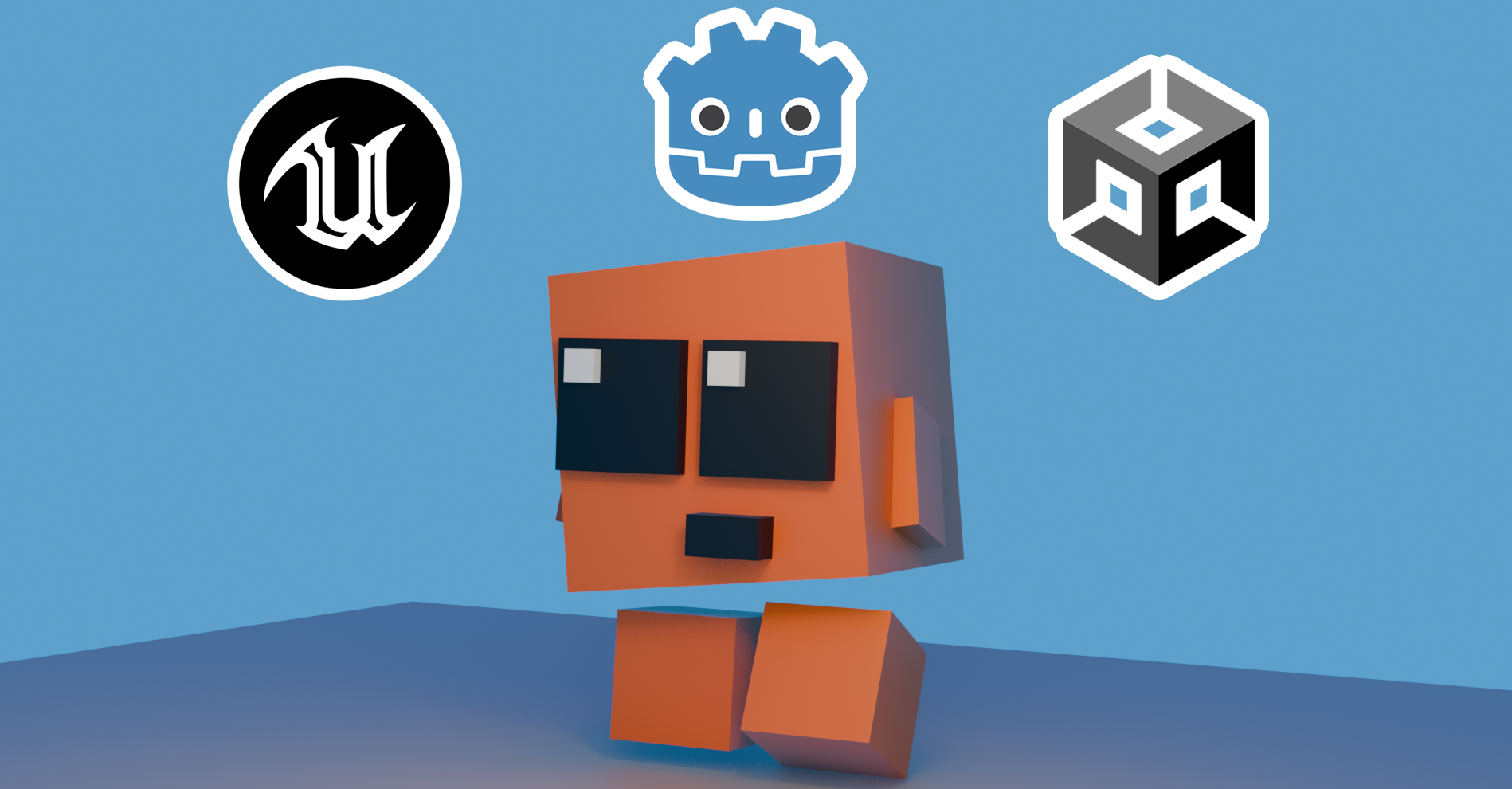
In my hobbyist game developer persuits I recently dove into the wild world that is trying to learn 3D modeling in Blender. Luckily there are countless resources out there to help - one of my favorites being the YouTuber Grant Abbitt. I was going through a course of his and did a speed run on his character that I have since named Cube Boi and thought to myself, “I wonder if I could figure out how to animate this simple model and then control it in a game engine?”
Grant Abbitt’s YouTube Channel
TL;DR
Can you tell which is which? Spoiler at the end of the post!
Animating
Like many endeavors past, I had no earthly idea what I was doing when I decided to animate Cube Boi. Countless tutorials later I added a simple Armature to the model:
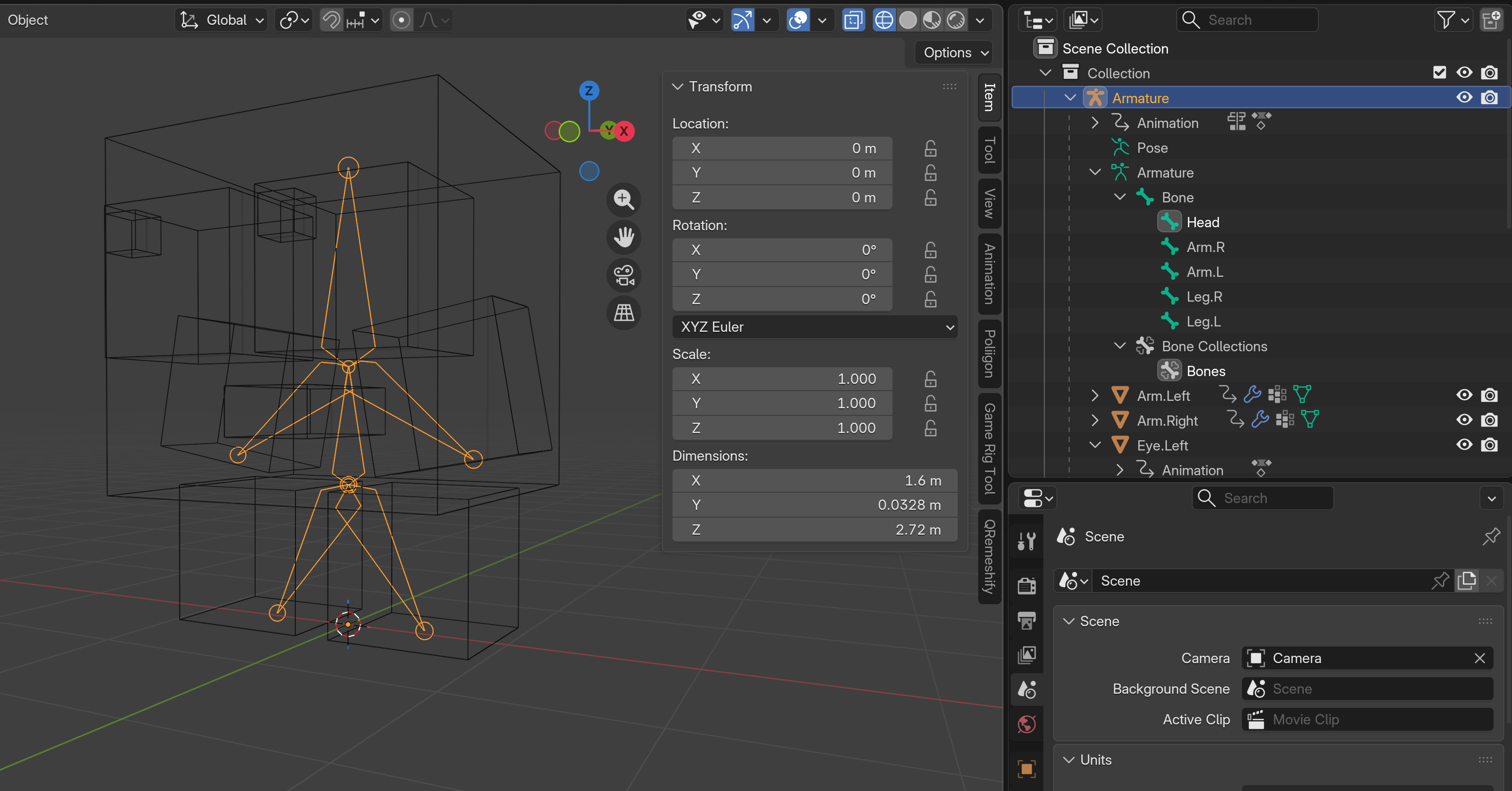
I decided to keep things simple and start with a walk animation which basically involves setting a few key poses in an Action sheet. This might be the most simplified walk cycle of all time but hey, it works!
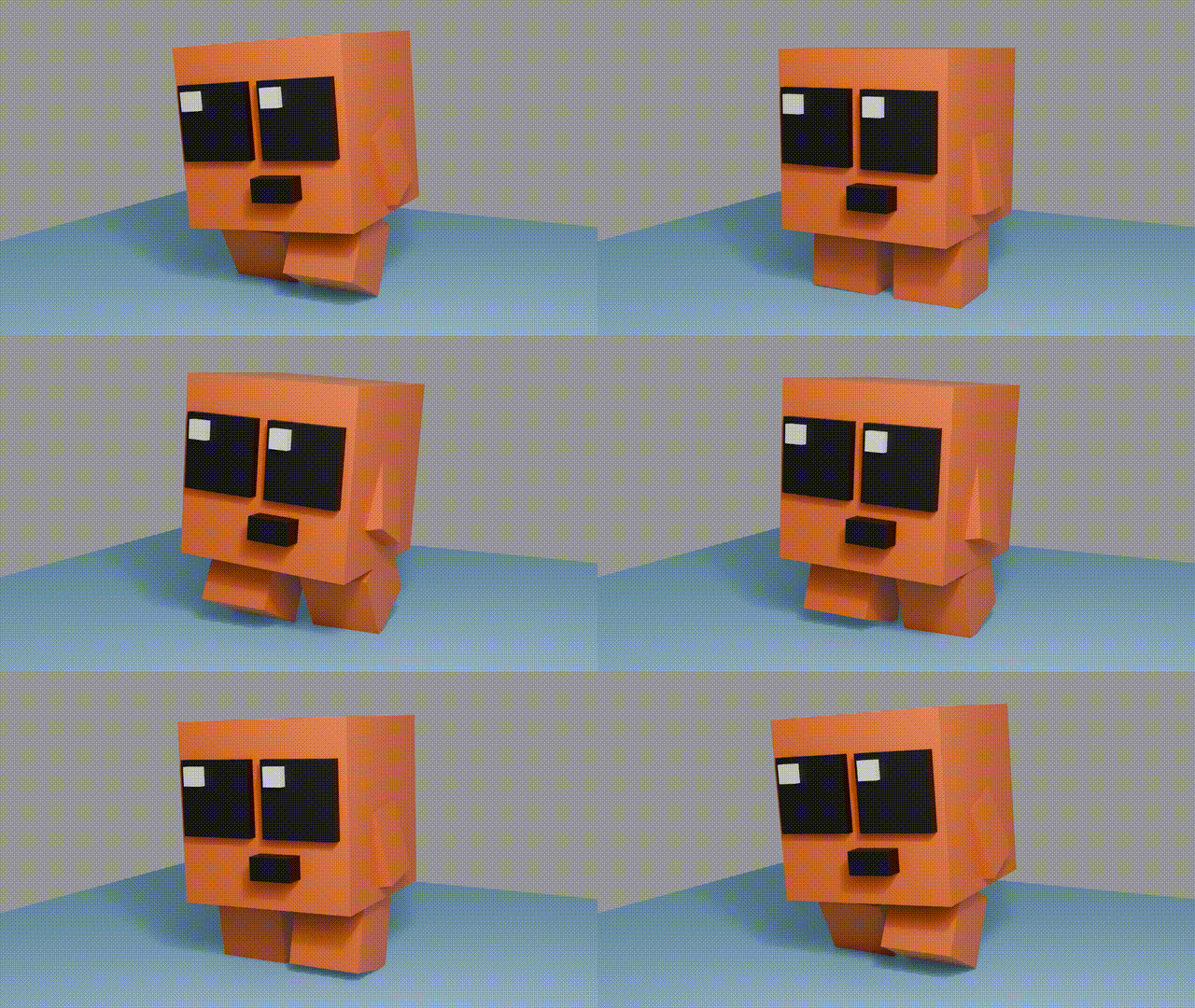
A quick idle animation and jump cycle and it was on to the next phase.
Engine Selection
At this point it was time to fire up a game engine - but which one? On one hand, I spent a decent amount of time in Unity developing my previous game. But on the other hand, a simple game is a good excuse to learn something new. So I started leaning toward Unreal. But I enjoyed learning a bit of Godot a couple years back so maybe it was worth revisiting…enter analysis paralysis.
Rather than overanalyze the process any further, I decided to do what anyone with entirely too much time on their hands would do: make the same game in all three!
The Game Mechanics
My justification for this seemingly ridiculous process was simple: after implementing a simple game in the big three, I could make an educated decision on which engine I find myself most capable in. This could be the engine I move forward with for larger projects in the future. As such, I decided on the following universal criteria for my game:
- Create a new project in engine of choice
- Import CubeBoi FBX/glb file with animation data
- Enable movement of the Cube Boi character with animations
- Create terrain based on Gaea output if possible
- Add grass texture to terrain
- Add two tree types: one with collisions and one without
- Import coin mesh and add two-shade gold material using mask
- Add logic to collide with/collect coins
- Add logic to “win game” when all coins collected
- Add “start” button on game start that drops Cube Boi from the sky
- “Drop” the coins from the sky to the ground after start button pressed
- Rotate the coins indefinitely
- Start a timer when Cube Boi collides with terrain for the first time
- Use timer as a stopwatch until all coins collected
- Increase timer size as time progresses; change color to red
- Send the exact color to the win screen to display player time
- Present win screen with player time to win
- Slow down character movement when win screen is shown; disable jump
- Allow the option to play again
Unity
I started out in Unity because I felt the most confident in my ability to quickly implement game mechanics. I understand the game object -> script-that-enables-said-object-to-do-stuff paradigm quite well and tend to enjoy it. There were a few gotchas here and there, mostly with the UI. But overall the process was smooth and I finished the entire gameplay implementation pretty quickly.
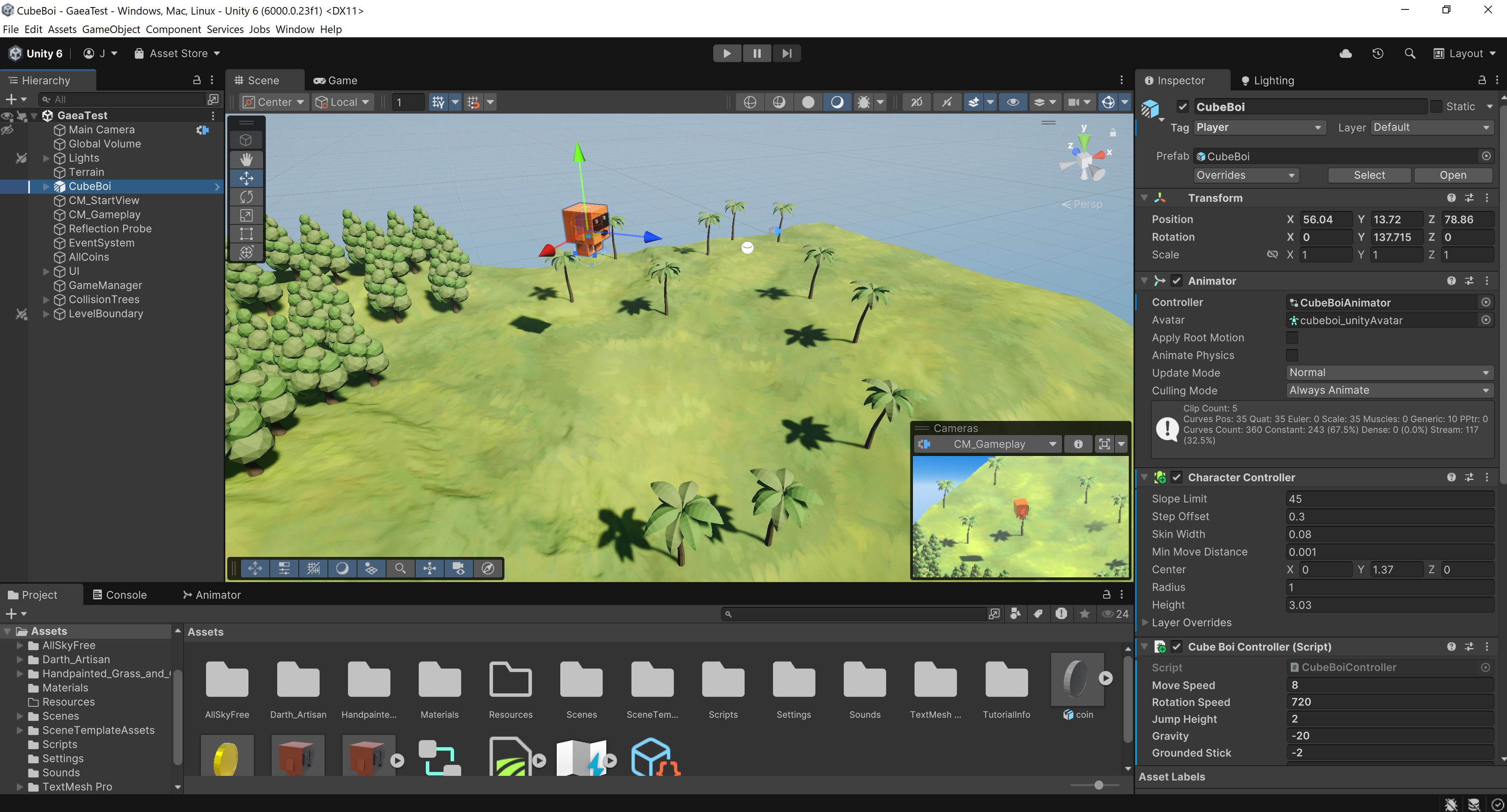
Writing/generating code for Unity is a breeze. It uses C# which is well documented and LLMs are very proficient at it. I personally like to keep pretty precise control on the scripts I create and attach to game objects, so rather than go full-on vibe coding I create my scripts with purpose and ensure functionality makes sense. Here is a snippet of some C# code I use for my coin collection logic; this triggers an animation when the player collides with the coin.
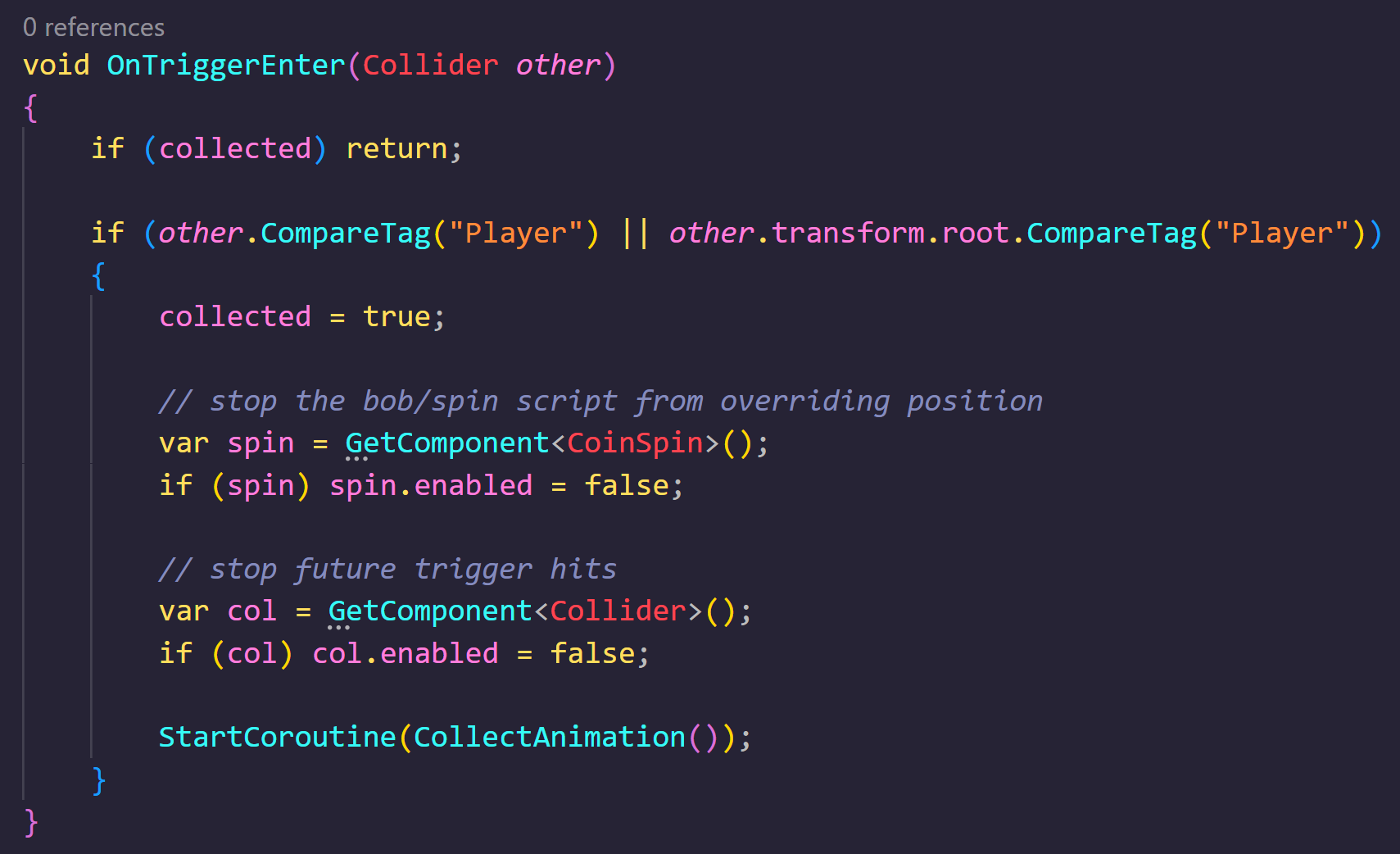
I think my biggest “gotcha” in the Unity development process was the reflection probes on the coins. I had never used those before and overall my skills in lighting are pretty lackluster. I would like to improve on this in all engines since it is incredibly important in games.
Unreal
Next up, Unreal. At this point I had never really implemented any game mechanics in Unreal at all. A few prior learnings include basic YouTube tutorials and a still-work-in-progress rendition of a Halo map but that is a story for another day.
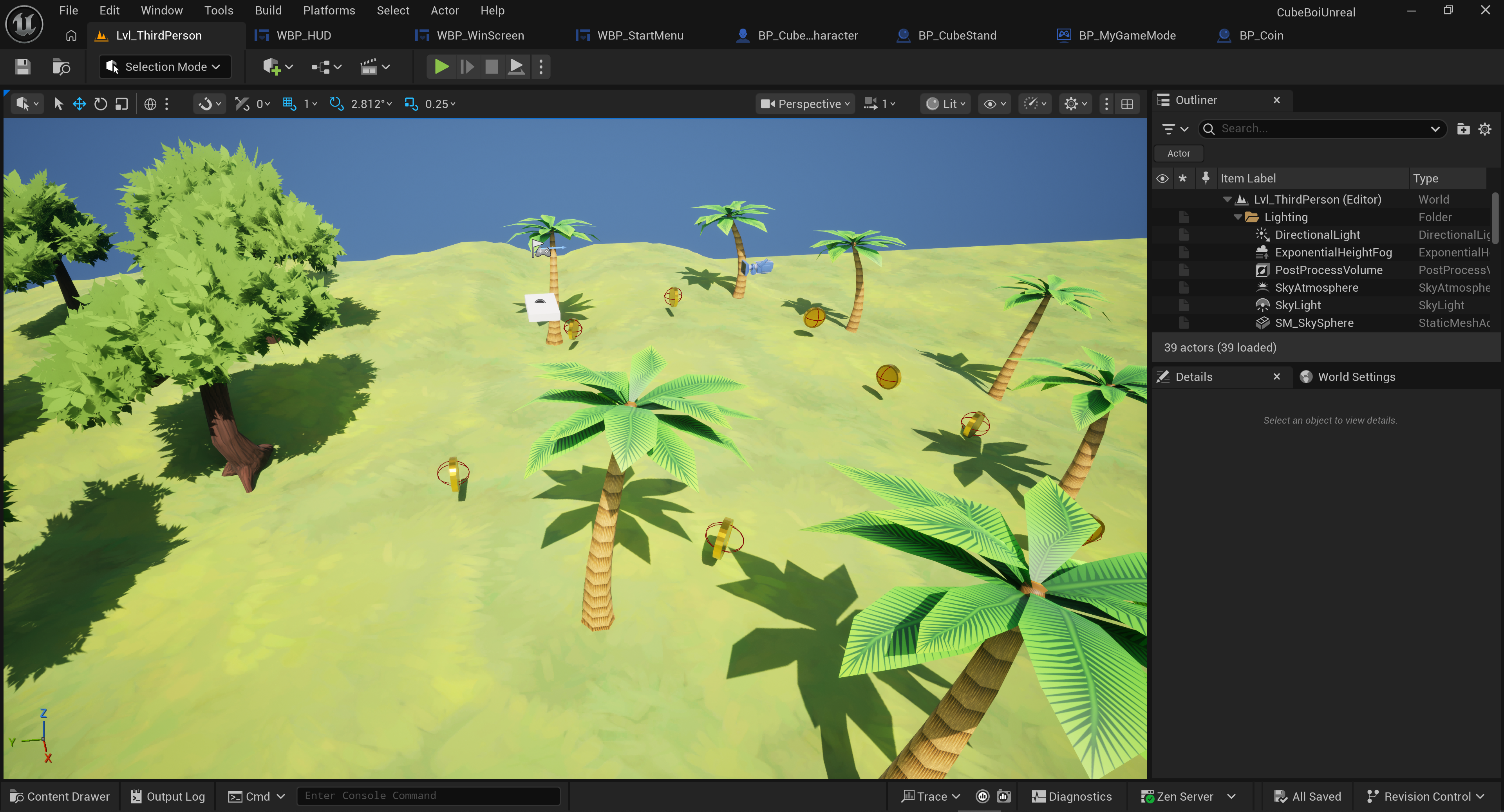
In hindsight maybe this was a mistake for a fair engine comparison, but I chose a Blueprint-based project at the start. Because of this, I wrote/generated literally zero lines of code for the Unreal version. This was pretty insane to me because I figured there would be at least some requirement somewhere to dive into C++. But no, Blueprints handled all of it. That is both a pro and a con for a variety of reasons. It is a pro because, well, beginners don’t need to worry about tackling C++. It is a con because there are a seemingly infinite number of “nodes” within Blueprints to the point that knowing all of them seems like an insurmountable task. Here is similar coin logic from above, but as a blueprint:
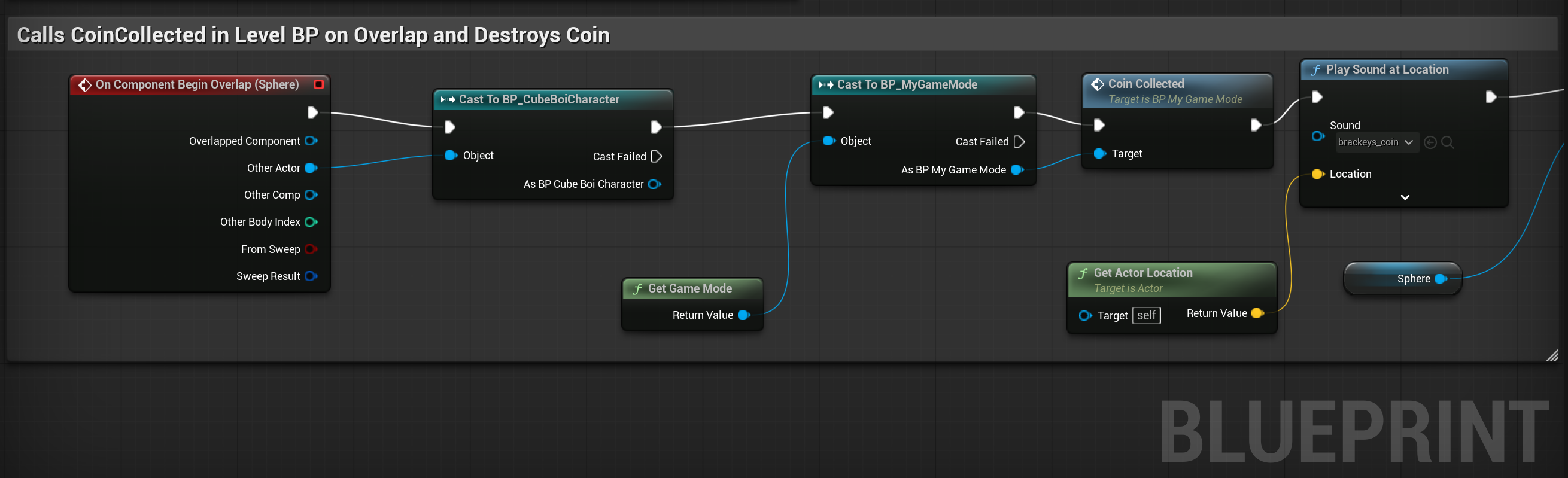
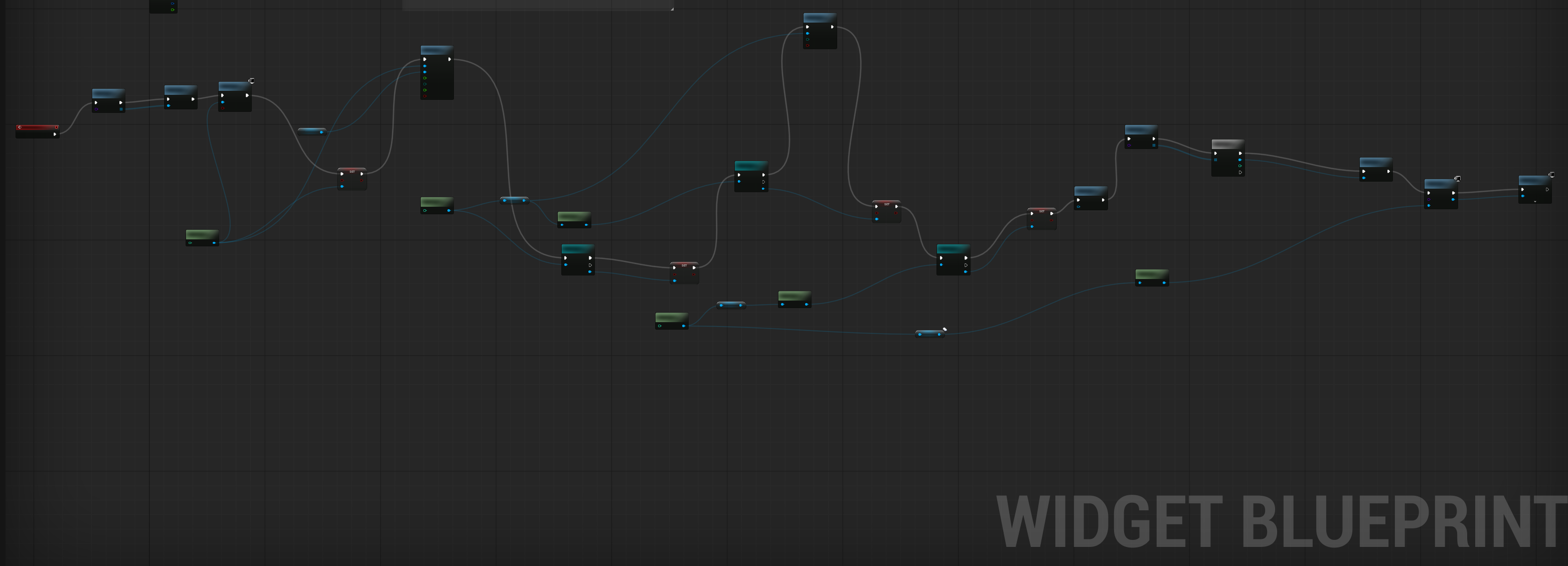
Blueprints were definitely the biggest gotcha for me during the Unreal development process. Developing the game also took me the longest time in Unreal. I would say that generally, it is because the breadth of functionality that can be implemented by use of Blueprint nodes pretty much anywhere in your game. Just take a look of how wild this one is, which basically sets up my start screen with one camera and blends it into another camera after the start button gets pressed (among other things):
It is worth noting that LLMs can help craft Blueprints but at the end of the day they are wrong very frequently due to deprecation, renaming, etc. in incremental releases of Unreal. That said It is truly incredible how powerful this visual programming paradigm is. I hope to become more proficient at it as time progresses.
Godot
I had not opened Godot in approximately two years prior to this project. I basically forgot its paradigm, but quickly remembered that everything is a node and there is a lot of nesting. It is similar to Unity in some ways that I like, specifically the way you attach scripts to nodes to implement gameplay mechanics.
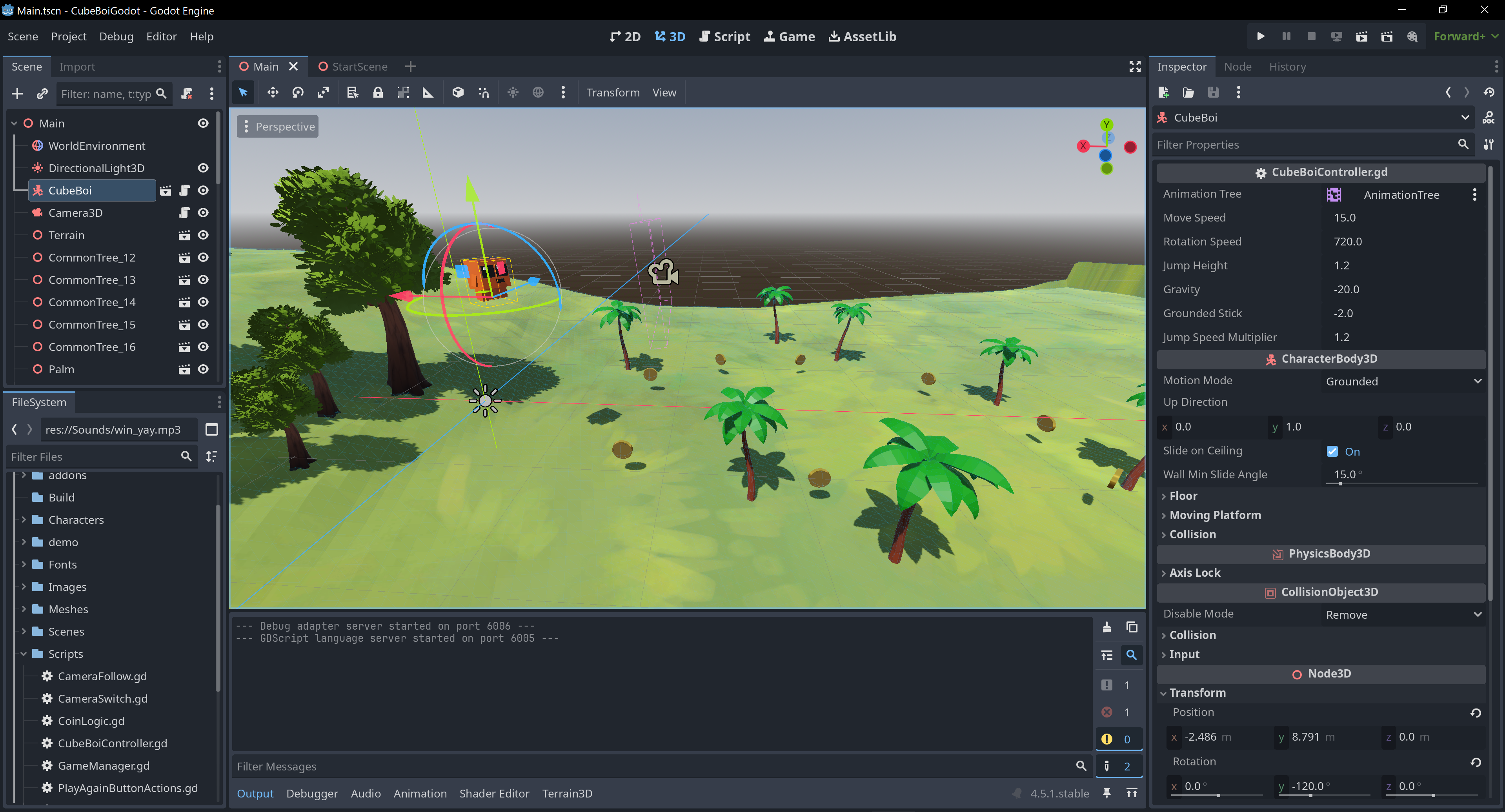
I think my favorite thing about Godot is how lightweight the editor is. It loads up quickly and suits simple games because of it. I also tend to enjoy the python-like syntax of gdscript. It is very easy to understand and debug. I also must say that loading up the Cube Boi model in Godot was the least painful of the bunch. It just kind of…worked. That said, I did have to create a Cube Boi scene based on the model in order to modify individual components. Doing so from the .glb file directly is a no-no and the editor will make that pretty clear.
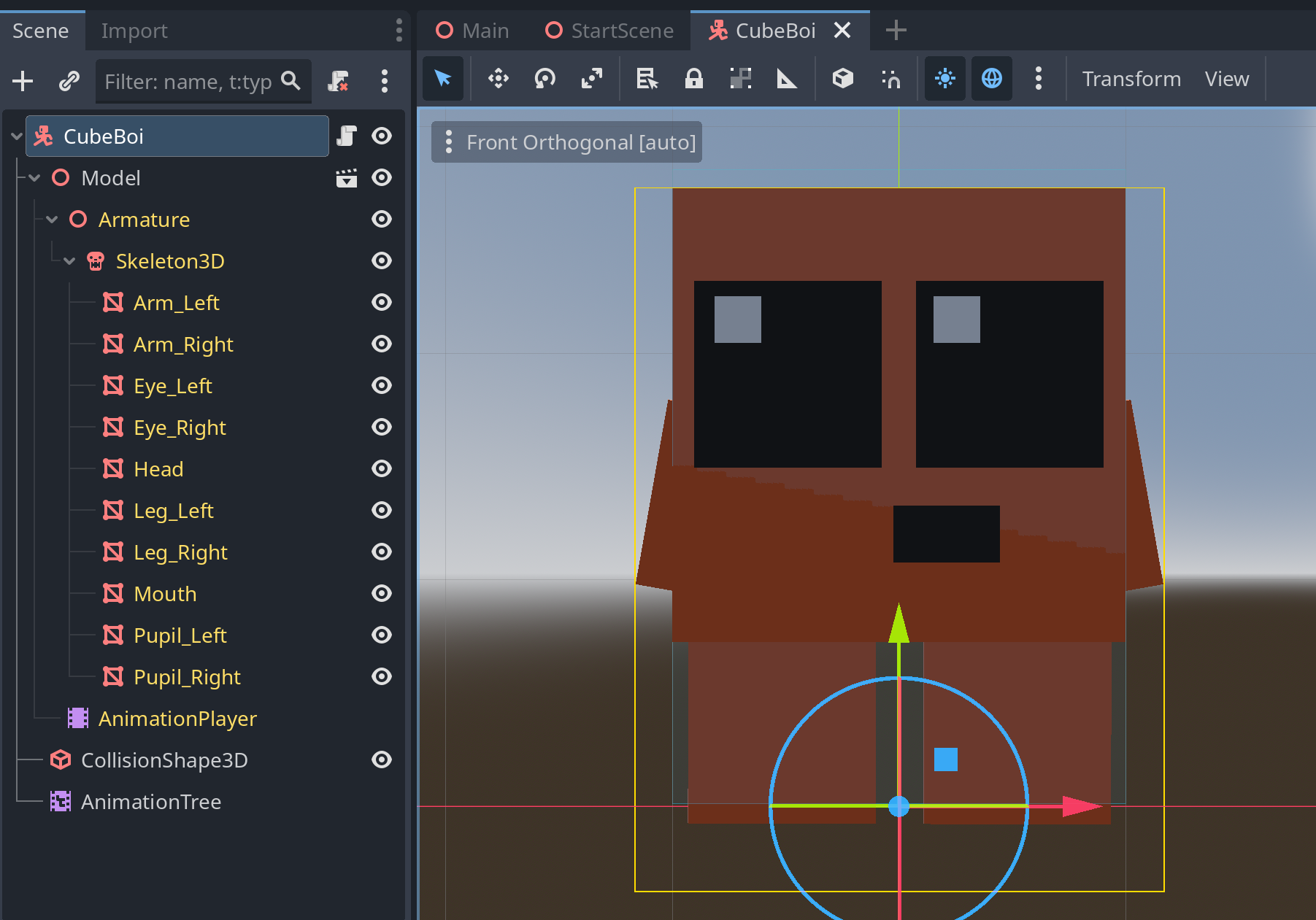
I think my biggest gotcha in Godot was really the lack of maturity in building terrain. The terrain sculpting, painting, etc. feels much more mature in both Unity and Unreal. Importing a heightmap from something like Gaea is trivial in those engines. You can do it in Godot but I ended up bailing because it was taking entirely too long and seemed dependent on a plugin called Terrain3D. It was easier to just re-create my terrain in Blender and import that way. I also would call out that the Godot asset store is very immature compared to what is available for Unity and Unreal. I am hoping this improves as time goes on and would love to contribute somehow.
Final Thoughts
This project was a great learning experience and as you might imagine, all three engines can be a fit for your game depending on what you want to achieve. My game was simple enough that I could go forward with any of the three engines and end up with a superior product to what I have created thus far given additional time and effort. However, I wanted to select a victor for this project in particular so I asked myself the following questions:
- Which engine did I feel the most confident in? Unity
- Which engine took the least amount of time to implement gameplay mechanics? Unity
- Which engine benefits the most from LLM assistance? Unity w/ Cursor
- Which engine looks the best graphically? Unreal
- Which engine provided the best “game feel” for my game? Godot
- Which engine had the most intuitive animation state machine? Tie
- Which engine can deploy to the largest audience with the least amount of configuration? Unity
- If I spent the next month working on only one engine’s version of Cube Boi, which one would likely be the most feature complete by end of development given all of the above? Unity
Trying my best to set aside any bias, I am simply more proficient using the Unity paradigm than I am using the others. So if I were to take the Cube Boi game loop and expand upon it, turning it into a real game (with more than 15 seconds of gameplay), Unity would be my personal choice. That said, I look forward to developing more in all three!
P.S. Video order spoiler: Godot, Unreal, Unity
Credits
Thanks to the following creators for providing resources!
Music:
Sound FX:
Coin & Jump Win Sound Win Sound 2
Blender:
Cube Character created by Grant Abbitt
Godot:
Unity:
Unreal:
tags: